Connect, customize, and monitor your PHSCOO scooter from your phone. Real-time dashboard, DIY performance tuning, and firmware updates — all in one app.
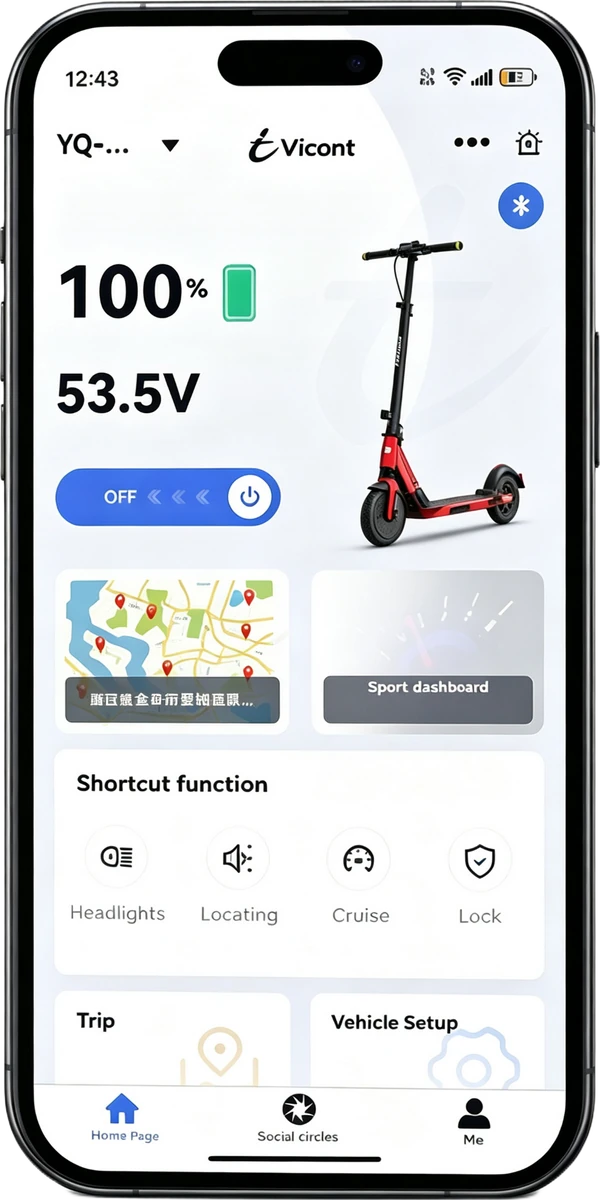
Quick Start
Pair your PHSCOO scooter with the Vicont app via Bluetooth and start riding in under a minute.
DownloadSearch "Vicont" in App Store or Google Play.
Open & Log InLaunch the Vicont app and sign in.
Add VehicleTap Connect or add vehicles.
BluetoothSelect Bluetooth Binding to scan.
Select DeviceChoose your scooter from the list.
WaitApp connects automatically via Bluetooth.
ReadyConnected! Enter the dashboard.
Core Features
From vehicle management to real-time telemetry, the Vicont app gives you full control.
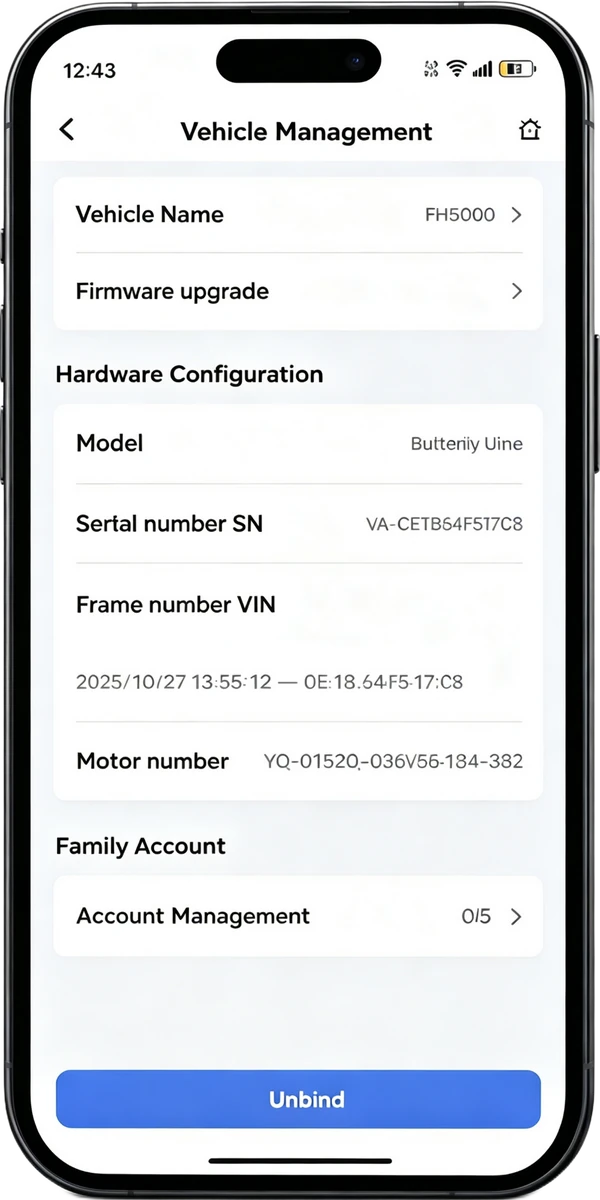
Name your scooter, view detailed vehicle information, and manage firmware all in one place. Keep track of your ride's identity and status.
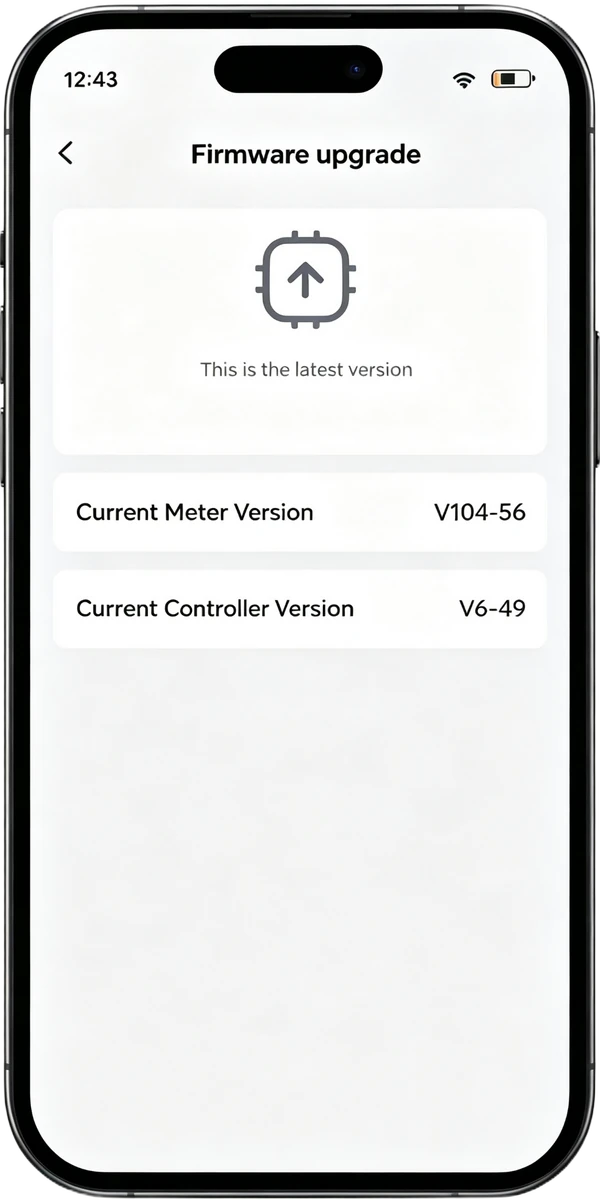
Get notified when new software is available. Upgrade wirelessly to access the latest features, performance improvements, and security patches.
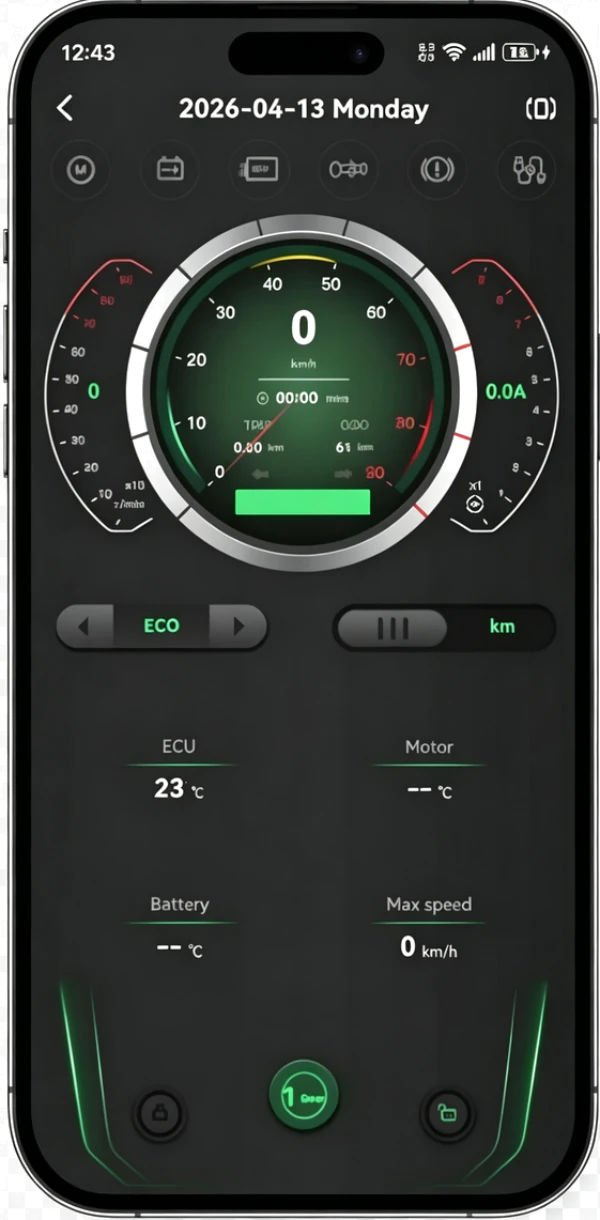
Real-time display of your scooter's speed, ride mode, and motor controller temperature. Monitor performance at a glance.
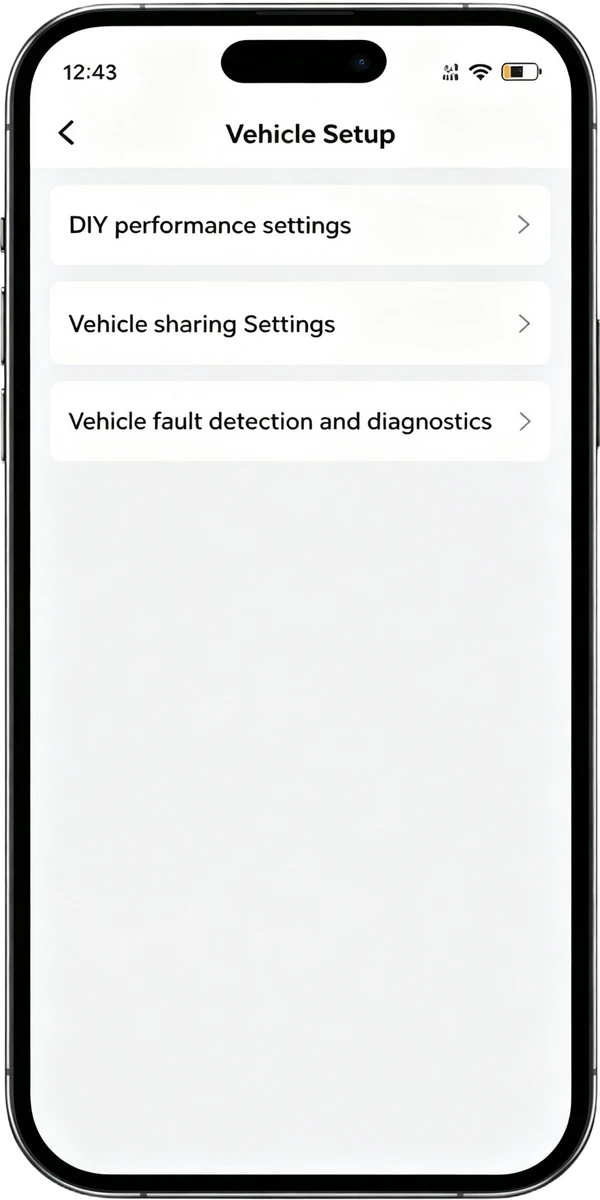
Fine-tune your scooter's acceleration, braking response, and torque output. Four adjustable parameters let you dial in the perfect feel.
DIY Performance
Four parameters to customize. Adjust carefully — reboot your scooter after each change.
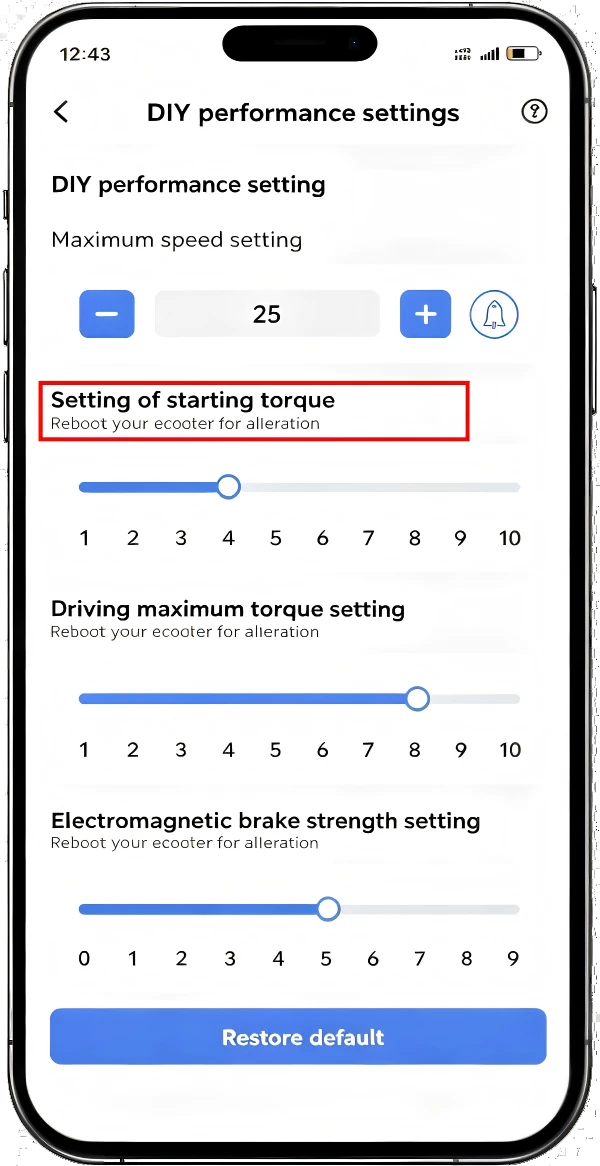
Controls how aggressively the scooter accelerates from a standstill. Lower = gentler start, higher = more punch.
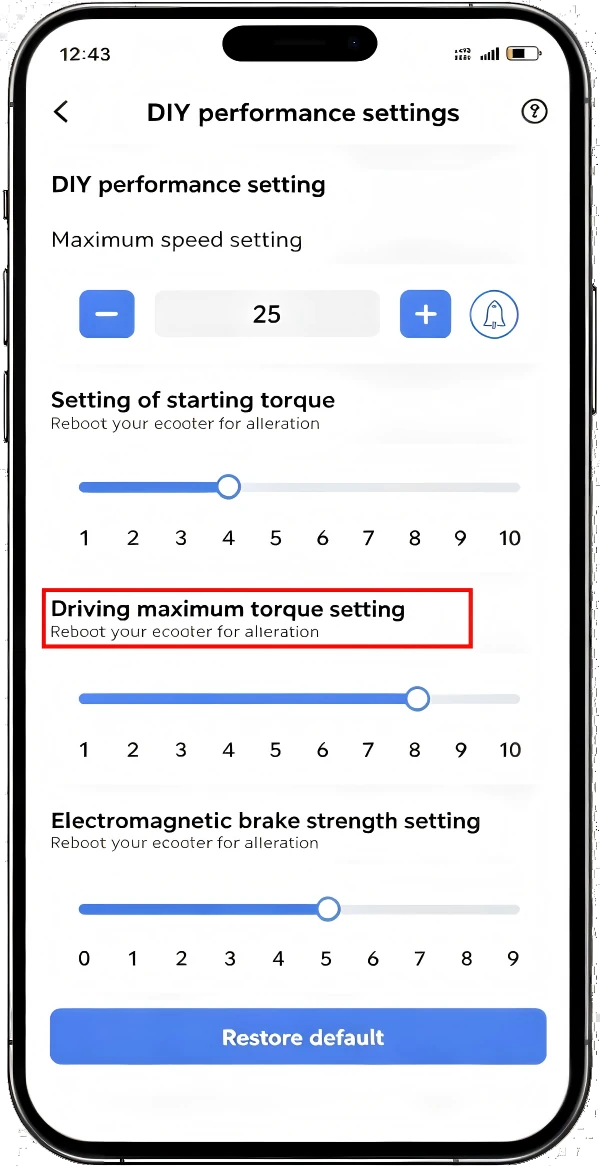
Sets the maximum torque output while riding. Lower = less power draw and longer range, higher = stronger acceleration.
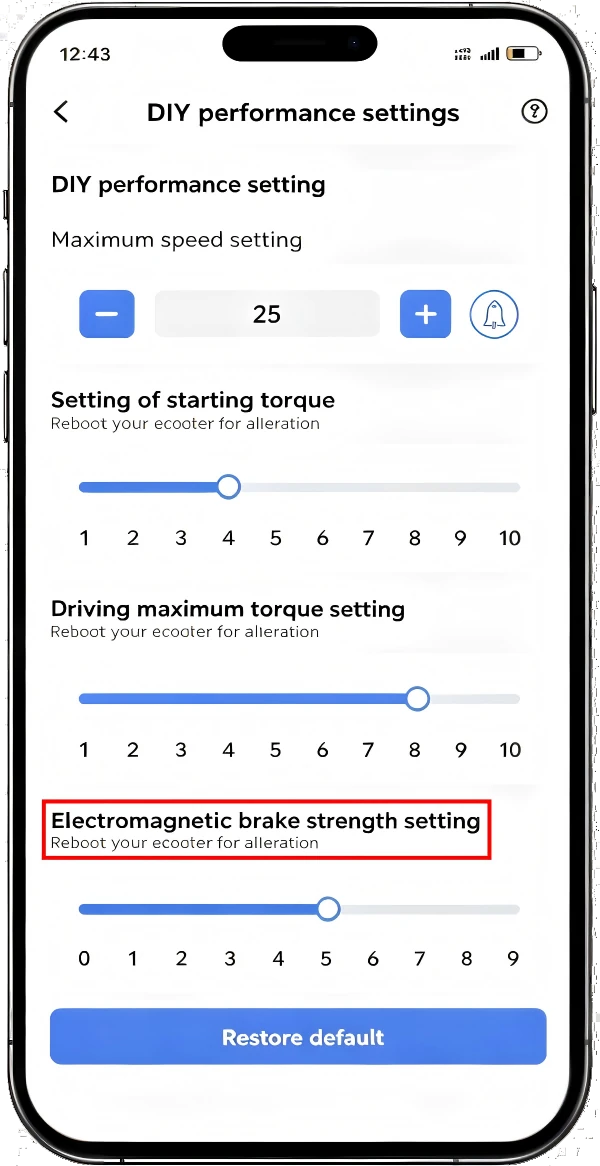
Adjusts the electromagnetic braking force. Lower = softer braking, higher = stronger, more immediate stopping power.
Download the Vicont app today and unlock the full potential of your PHSCOO scooter.

 AT(EUR)
 US(USD)
 GB(GBP)
 AU(AUD)